I recently had a requirement to batch convert Word files to HTML.
For a small number of Word files, you can simply use Word’s built-in “Save As” feature. But when dealing with a large number of Word files, it becomes quite complicated.
After searching online, I found solutions in PHP, Python, Ruby, and C#. Among them, I found a tool called “Xunjiie Converter”, but it didn’t quite fit my needs, so I decided to write my own. Since Word is a Microsoft product, I figured C# might be the best choice for this task.
I open-sourced a GUI-based solution on GitHub: https://github.com/hujiulin/ConvertWordToHTML [Currently single-threaded; will be converted to multi-threaded later].
Screenshots of the running application:
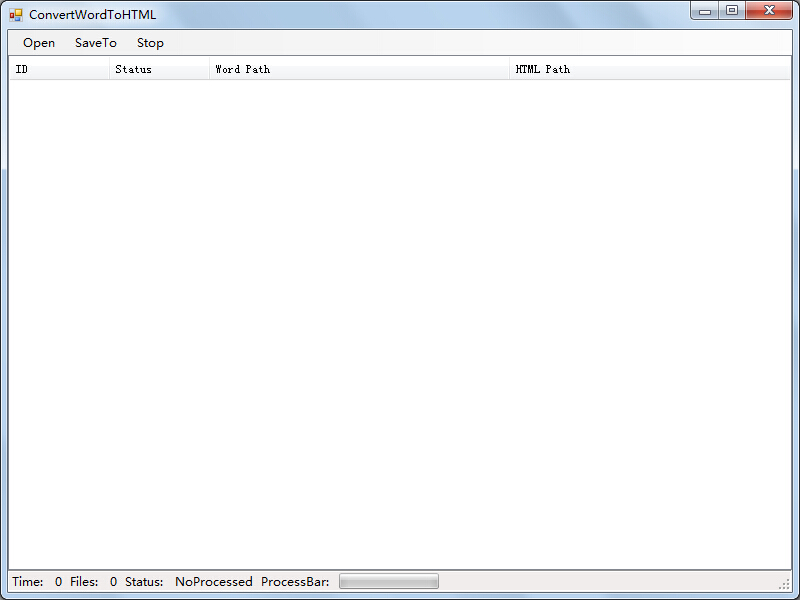
Initial program interface:
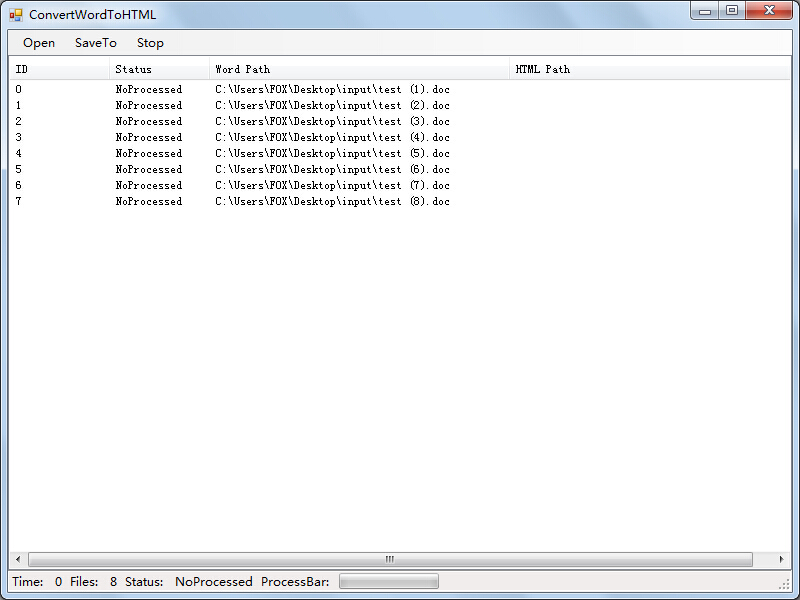
“Open” to select an input folder containing Word documents:
“SaveAs” to select an output folder:
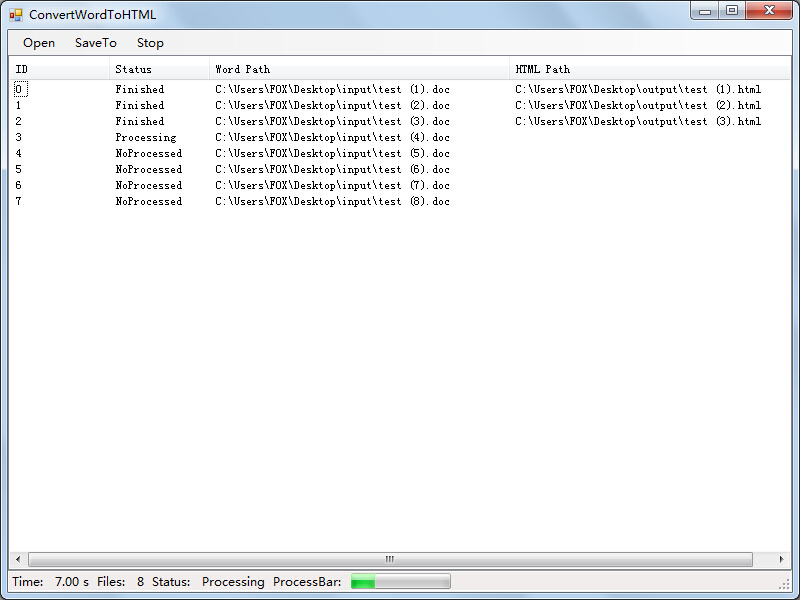
Program finished running:
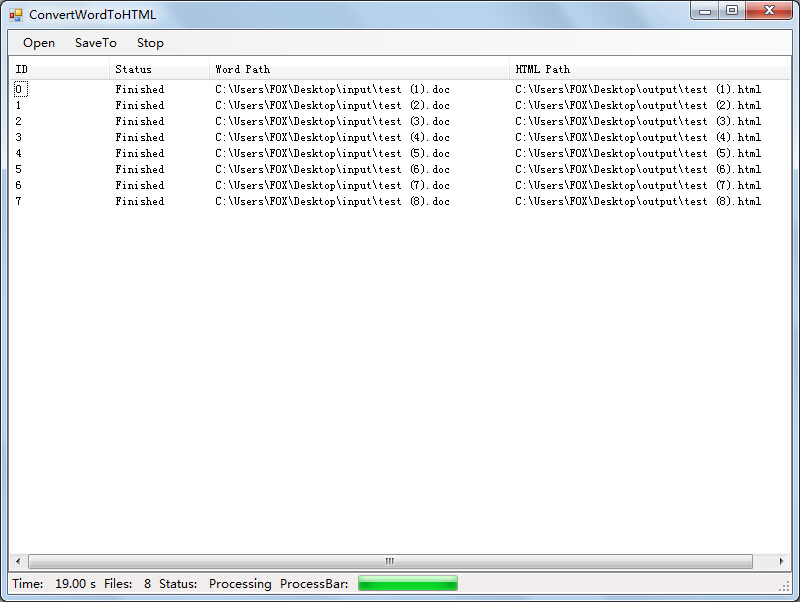
Input and output results:
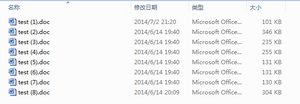

Program notes:
Dependencies: Windows OS, .NET Framework 3.5, Office Word
Word’s “Save As HTML” offers several format options: single web page (mht), web page (htm), and filtered web page (htm). I chose the filtered HTML option, which converts all formulas to gif or jpg images. A properly filtered htm file won’t contain Microsoft’s messy formatting information.
GitHub: https://github.com/hujiulin/ConvertWordToHTML
Download: http://devhu-github.stor.sinaapp.com/ConvertWordToHTML.rar
2015-1-24 Update:
- Rename solution and project to WordConverter; Add feature: convert word to PDF; ADD feature switch specified ext;
The Word Converter tool now supports both HTML and PDF formats.
Updated GitHub link: https://github.com/hujiulin/WordConverter
Download: http://devhu-github.stor.sinaapp.com/WordConverter.rar