To showcase our drone flight, let’s experiment with camera modes. We’ll keep it simple with two basic camera modes that the user can switch between:
- Free Mode : Default camera controls.
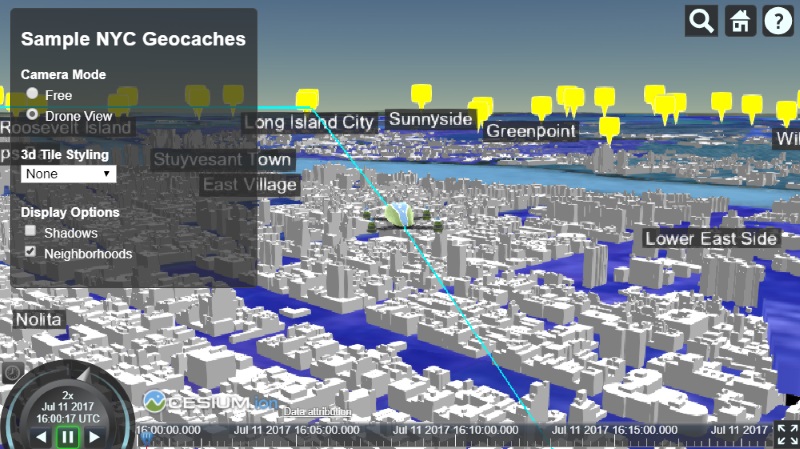
- Drone Mode : Makes the camera follow the drone through the flight at a fixed distance.
Free mode doesn’t require any code since it uses the default controls. As for drone follow mode, we can use the camera’s built-in entity tracking feature to position the camera and orient it toward the drone with an offset. This keeps the camera at a fixed offset from the specified entity even while it’s moving. To track an entity, we simply set viewer.trackedEntity.
To switch to free camera mode, we can set viewer.trackedEntity to undefined, then use camera.flyTo() to return to our home view.
Here are the camera mode functions:
| |
To attach this to HTML input, we can attach this function to the change event on the appropriate elements:
| |
Finally, entities are automatically tracked when the user double-clicks on them. If the user starts tracking the drone by clicking, we can add some handling to automatically update the UI:
| |
Here are our two camera modes – we can now freely switch to the drone camera view, which looks like this:
Cesium Chinese Community QQ Group: 807482793
Original link: http://cesiumcn.org/topic/165.html | China fast access: http://cesium.coinidea.com/topic/165.html