I’ve been writing articles frequently lately and found that Markdown is a very convenient web typesetting standard. For details, see: http://cesiumcn.org/markdown.html | http://cesium.coinidea.com/markdown.html
Currently, I’ve found that Jianshu and OSChina have excellent Markdown support. However, WordPress doesn’t support it, and surprisingly, Zhihu doesn’t support it either.
WordPress Markdown WordPress has plugins that can provide support. Some people online say the WP Editor.MD plugin is excellent, but after using it on my WordPress version, I found it wasn’t compatible – it crashed directly when activated.
At that moment, I had a flash of inspiration and went directly to the official site https://wordpress.org/plugins/ to look. I found that wp-markdown works quite well.
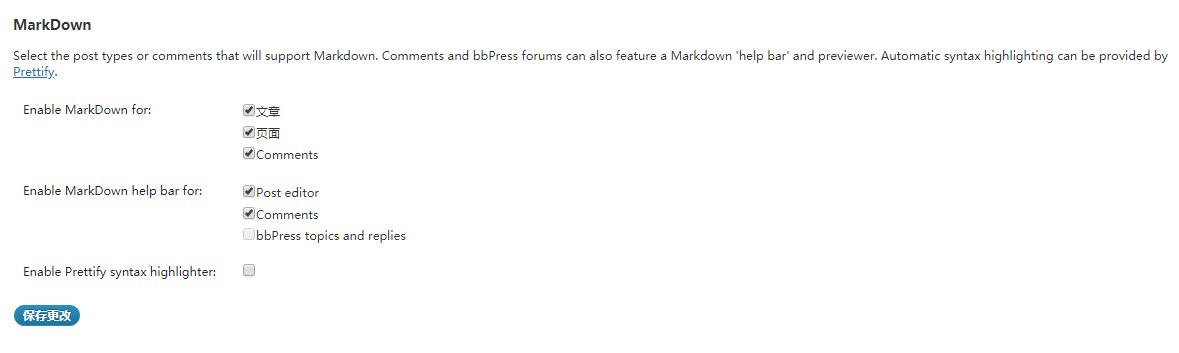
After activating it, I noticed nothing changed. It turns out you need to configure it. The specific location is: Settings -> Writing.
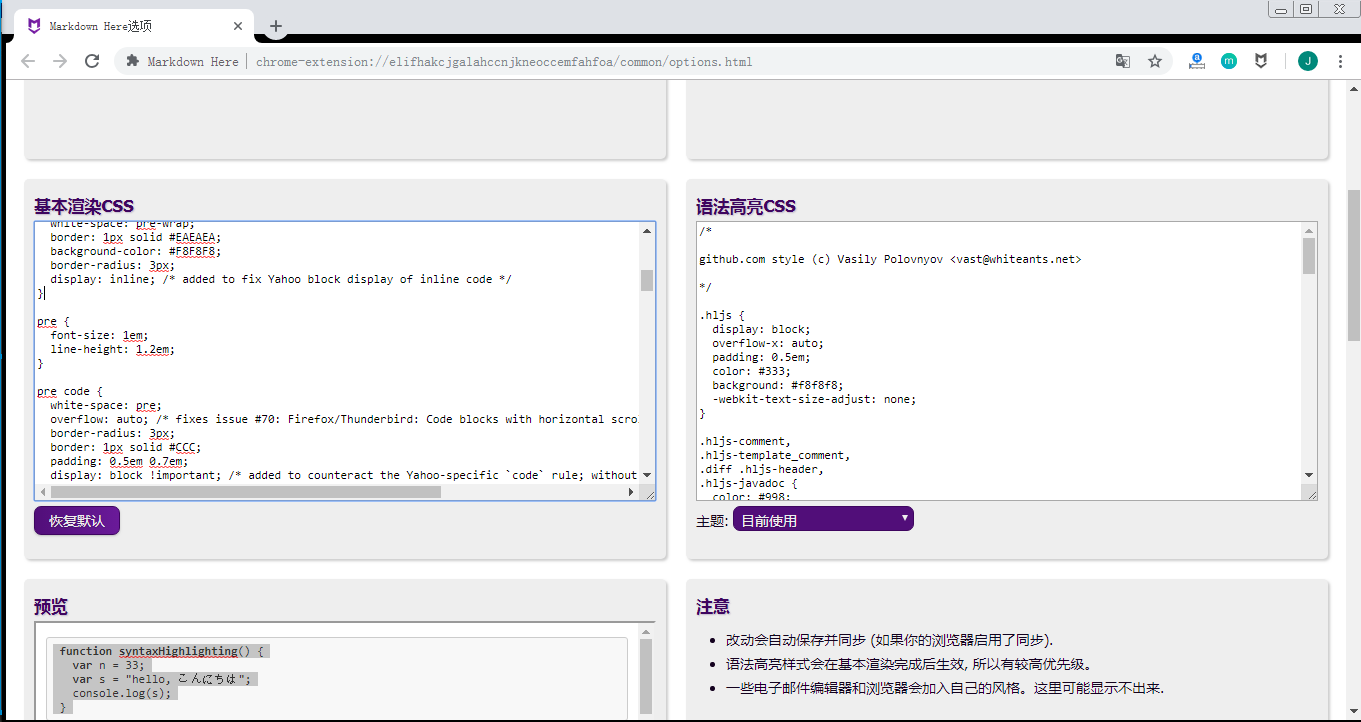
Zhihu Markdown Zhihu obviously can’t install plugins like WordPress. The talented developers online are truly amazing. There’s a Chrome plugin called Markdown Here. After installing it, when you right-click in a text input box, a Markdown Here menu appears, which automatically converts rich text content to Markdown formatting – just copy and paste.