Downloading ZendGuard
Official download link: http://www.zend.com/en/products/guard/downloads#Windows
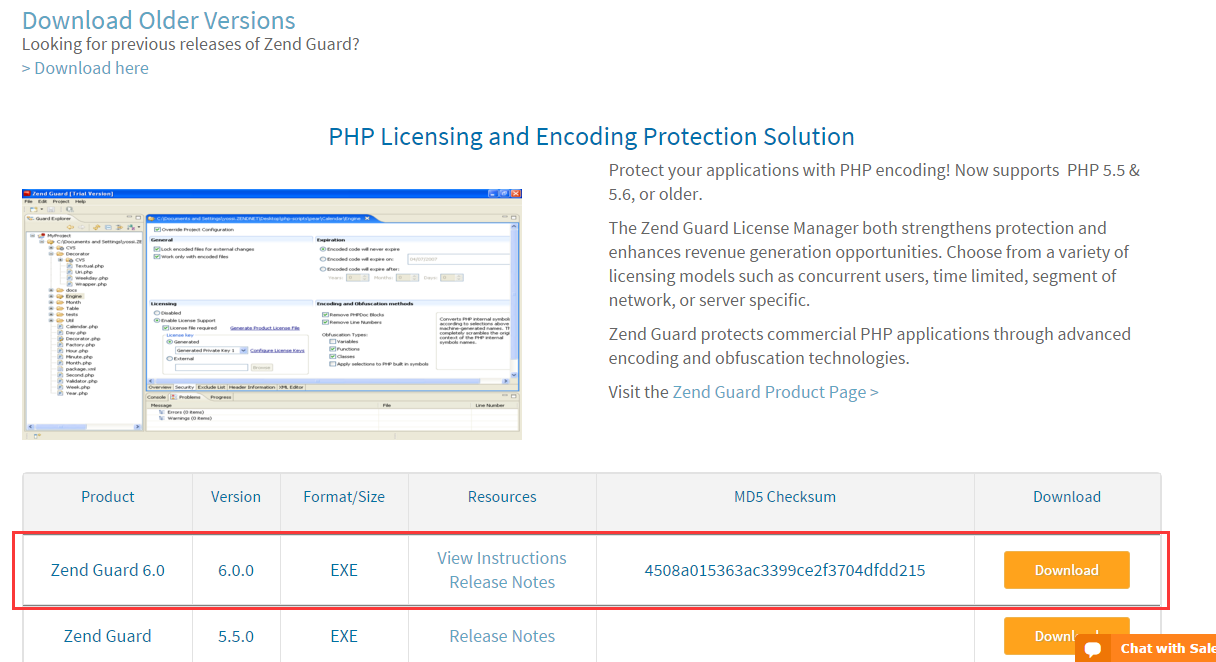
Registration is required before downloading. I downloaded Zend Guard 6.0. Simply double-click to run the installer.

The latest version is 7.0. If you want to download an earlier version, click “>Download here” and a list of older versions will appear below the current page.
Downloading PHP
Official download links: http://php.net/downloads.php | http://php.net/releases/
My current version: http://windows.php.net/download/#php-5.4
PHP typically releases two types of builds for each version: Thread Safe and Non Thread Safe.
Important note: ZendGuard only supports Non Thread Safe builds. So please download the Non Thread Safe version of PHP.
Configuring PHP – ZendLoader.dll
Download ZendLoader.dll
Official download link: http://www.zend.com/en/products/loader/downloads#Windows
Registration is required before downloading. Similar to ZendGuard, make sure to select the ZendLoader version that matches your PHP version.

Copy ZendLoader.dll to the PHP
[PHP root directory]\ext\folder.Rename
php.ini-developmentorphp.ini-productiontophp.ini,
and add the following content tophp.ini:1 2 3 4 5 6 7 8 9 10 11 12 13zend_extension="./ext/ZendLoader.dll" ; Enables loading encoded scripts. The default value is On zend_loader.enable=1 ; Disable license checks (for performance reasons) zend_loader.disable_licensing=0 ; The Obfuscation level supported by Zend Guard Loader. The levels are detailed in the official Zend Guard Documentation. 0 - no obfuscation is enabled zend_loader.obfuscation_level_support=3 ; Path to where licensed Zend products should look for the product license. For more information on how to create a license file, see the Zend Guard User Guide zend_loader.license_path=
Creating PHP Code
Create an input folder, and inside it create test.php.
Code:
| |
The above code outputs:
Thanks ZendGuard
Now datetime is [current time].
Installing ZendGuard and Creating a Project
ZendGuard has a straightforward installer. After installation, launch it and you’ll see:
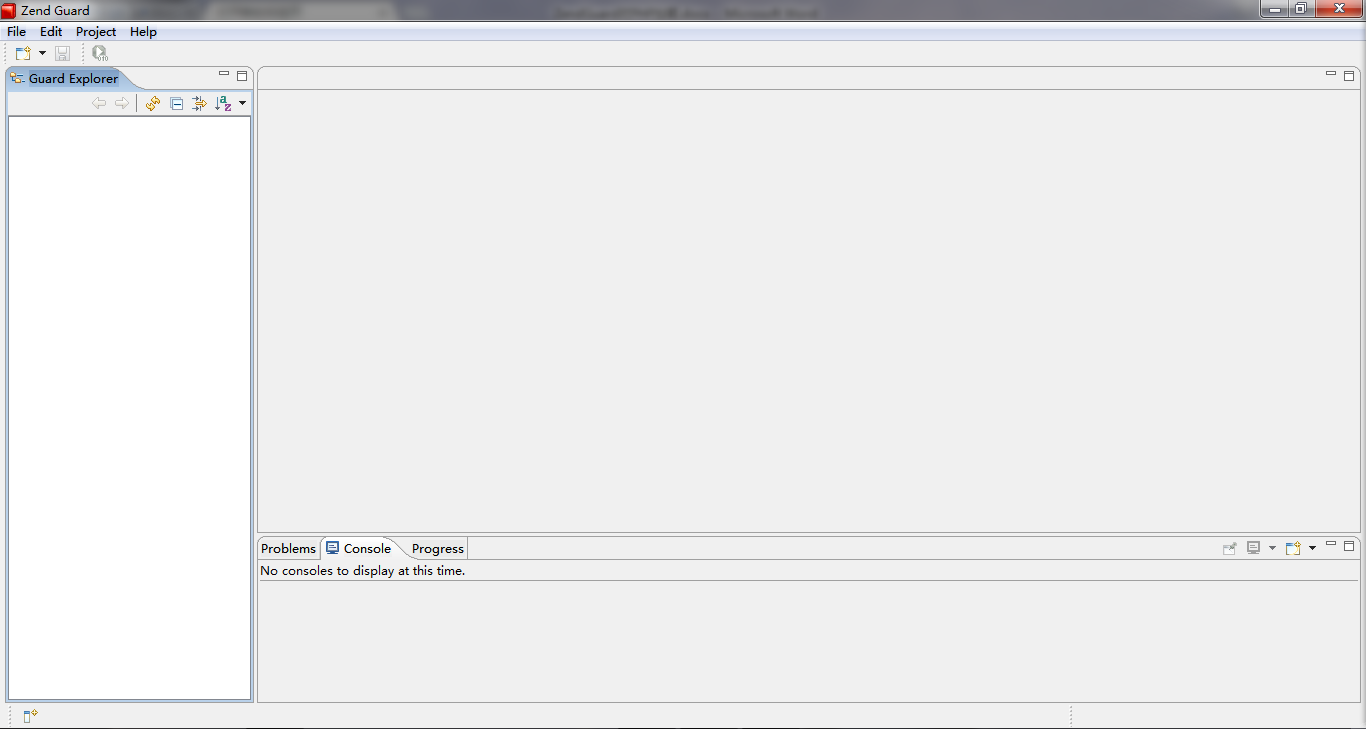
- Create a new Zend Guard Project.
- Set the output directory to the
outputfolder.
- Add the
inputfolder as the input directory. - Select the PHP version.
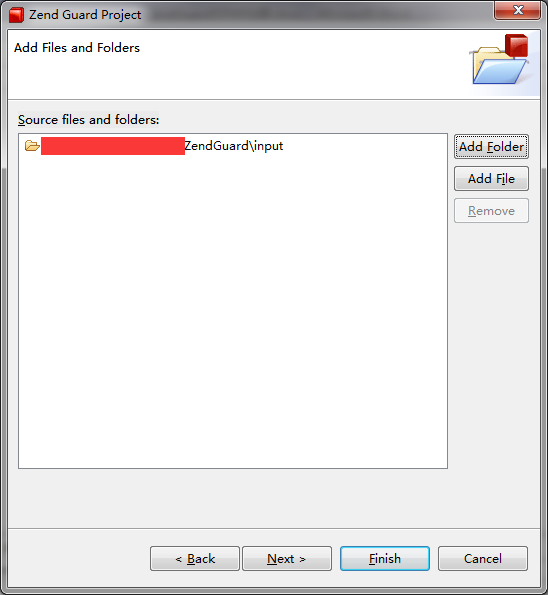
- Click

- A new
test.phpis generated in theoutputfolder. Opening it reveals garbled content (the encrypted code).
Running Source Code and Encrypted Code
Running the source code:

Running the encrypted code:

With this, you can now use ZendGuard to encrypt PHP code.